
Press Kit
Everything you need to write about JRDrive. The text and images on this page may be used in coverage of the app. For interviews, review access or anything else, email support@jpathak.com.
About JRDrive
Short description
JRDrive is rclone in a native app: browse, stream, sync and encrypt Google Drive, OneDrive, Dropbox, S3, SFTP, SMB, WebDAV, your NAS and dozens more on iPhone, iPad, Mac, Apple TV, Apple Vision Pro, Android and Windows.
Boilerplate
JRDrive puts the open-source rclone engine behind a native interface on iPhone, iPad, Mac, Apple TV, Apple Vision Pro, Android and Windows. It connects directly to more than 40 kinds of storage, from Google Drive, OneDrive, Dropbox, Amazon S3 and Backblaze B2 to SFTP, SMB, NFS and WebDAV servers and home NAS boxes, with no account and no JRDrive servers in between. Users can stream MKV, HEVC and 4K video with subtitles straight from their storage, turn media folders into a library with artwork, run one-way and two-way sync jobs, back up their camera roll, and keep files private with rclone crypt client-side encryption behind a per-remote PIN. People who already use rclone on a computer can import their rclone.conf and find their remotes ready. JRDrive is developed independently by Jay Pathak and launched in 2026.
Key Facts
- Name
- JRDrive (on the App Store: JRDrive Rclone File Manager)
- Developer
- Jay Pathak
- Press contact
- support@jpathak.com
- Launched
- 2026
- Platforms
-
- iPhone and iPad (iOS and iPadOS 16 or later)
- Mac with Apple silicon (macOS 13 Ventura or later)
- Apple TV (tvOS 16 or later)
- Apple Vision Pro (visionOS 2 or later)
- Android phones, tablets and Android TV
- Windows 10 (version 2004 or later) and Windows 11, x64
- Pricing
-
- iPhone, iPad, Mac and Apple Vision Pro: free for 2 remotes, with a 7-day Premium trial.
- Apple TV: no free tier and no trial; JRDrive on Apple TV needs the purchase.
- Apple purchase: one-time, $9.99 in the US (local prices vary), no subscription. One purchase covers iPhone, iPad, Mac, Apple TV and Apple Vision Pro.
- Android: free for 2 remotes with ads and a 7-day trial; Premium is a one-time purchase on Google Play.
- Windows: free for 2 remotes with no ads and a 7-day trial; Premium is a one-time purchase in the Microsoft Store ($9.99 in the US; local prices vary).
- Built on
- rclone, the open-source cloud storage tool. JRDrive is an independent app and is not affiliated with, or endorsed by, the rclone project or any of the storage providers it connects to.
- Website
- jrdrive.app
Feature Highlights
- 40+ storage types through rclone: Google Drive, OneDrive, Dropbox, Amazon S3, Backblaze B2, pCloud, MEGA, Proton Drive, SFTP, FTP, SMB, NFS, WebDAV and more. Import an existing rclone.conf in one step.
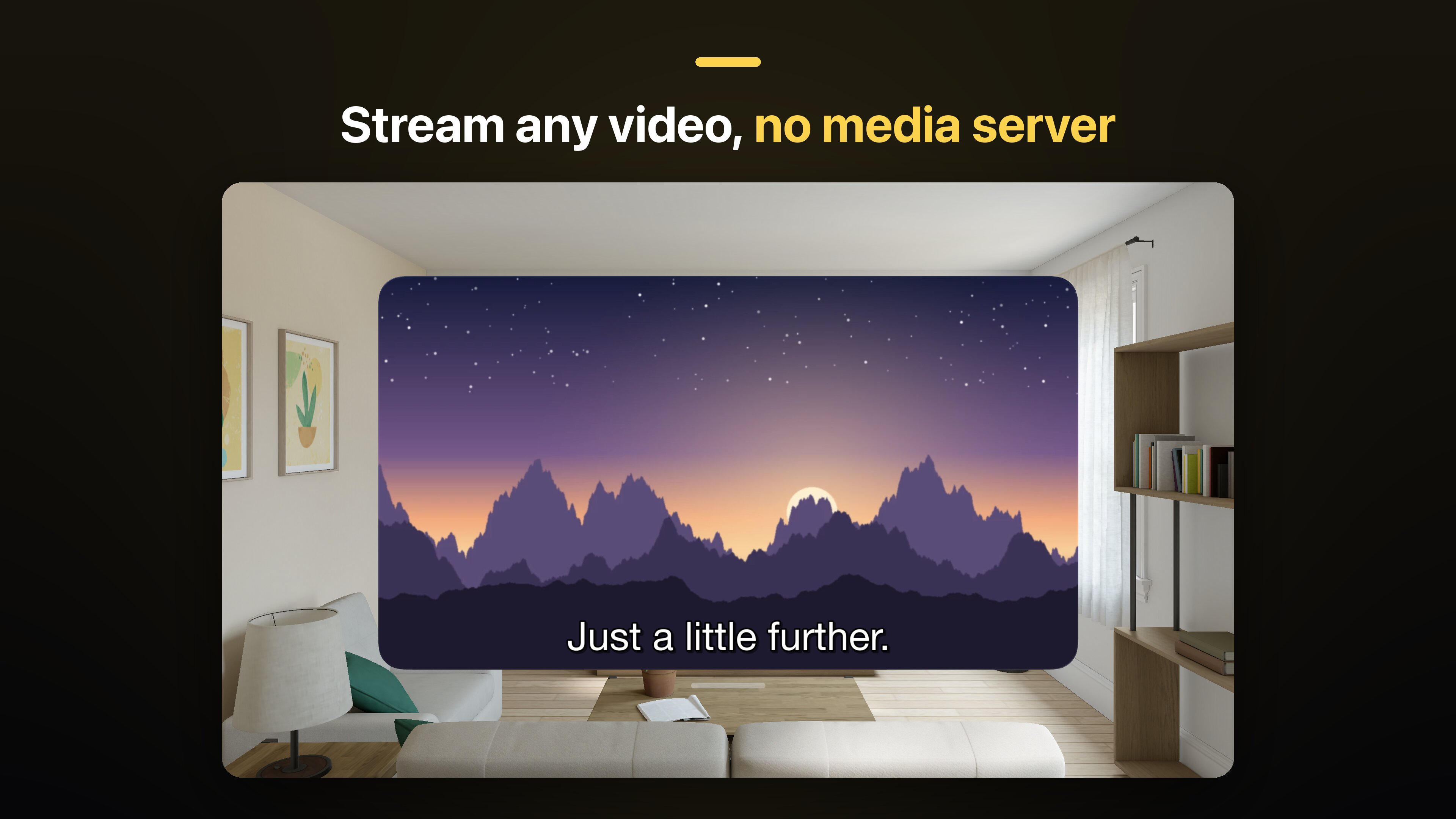
- Streaming without a media server: MKV, HEVC and 4K video with subtitles and audio tracks, Picture in Picture, and resume where you left off.
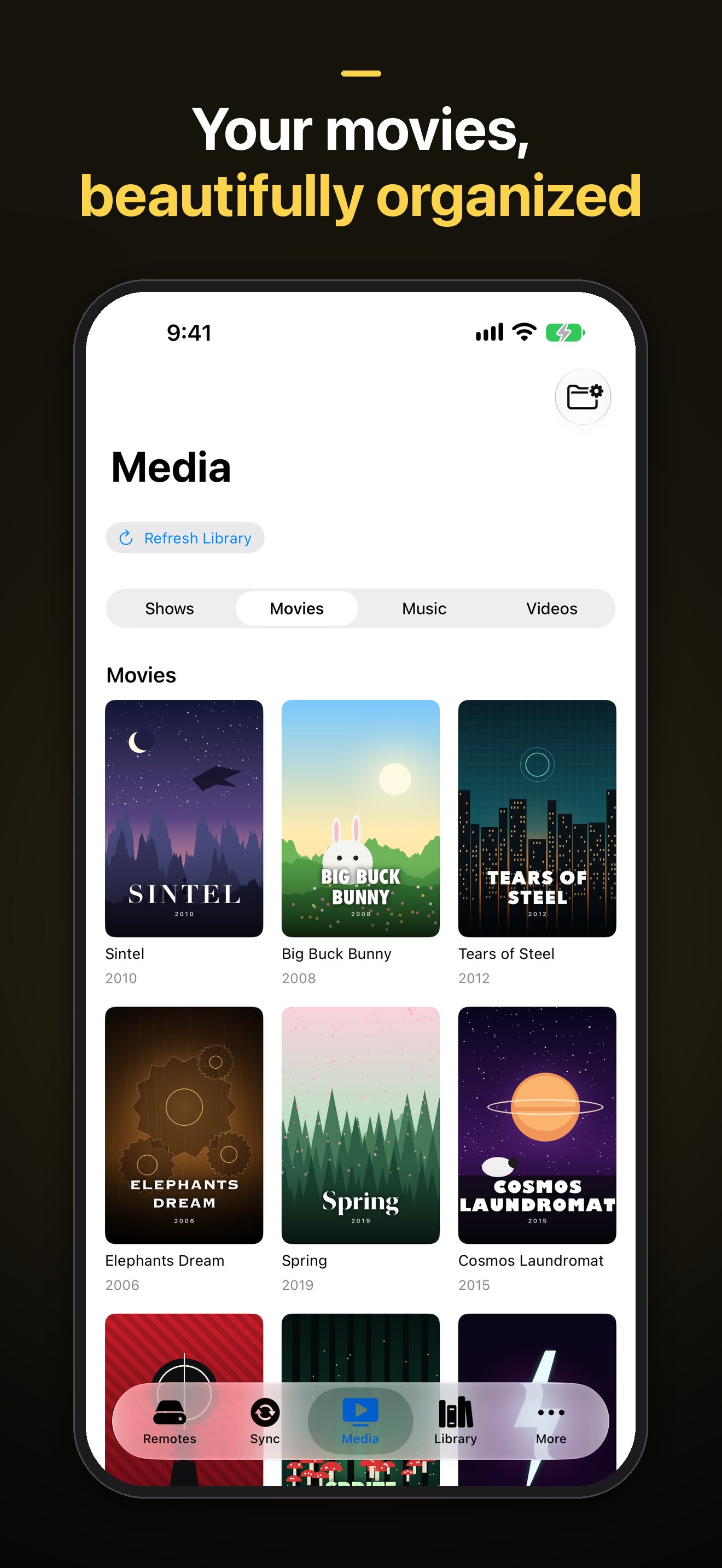
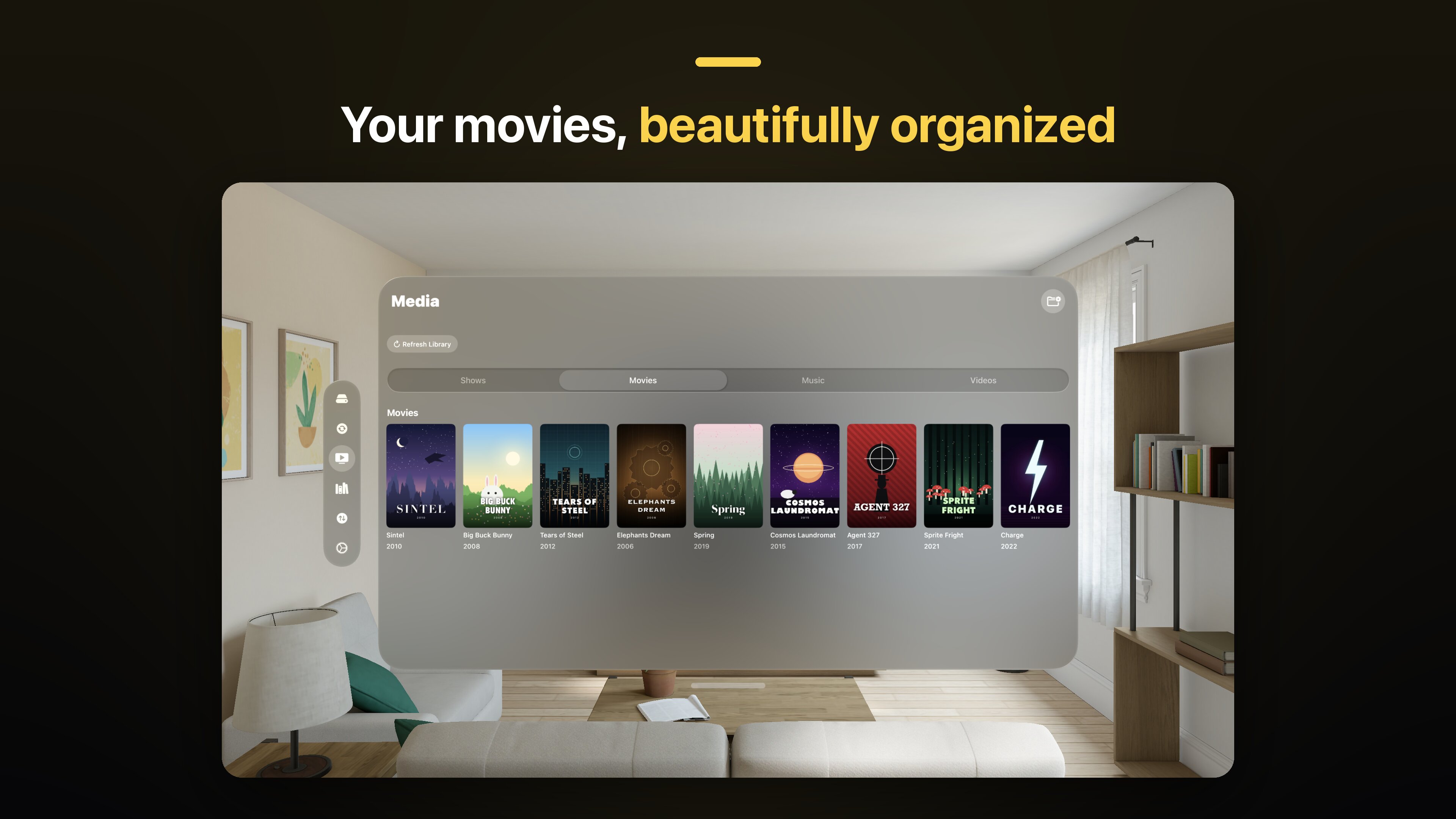
- Media library: folders of shows, films and music become a library with artwork and Continue Watching, including on Apple TV.
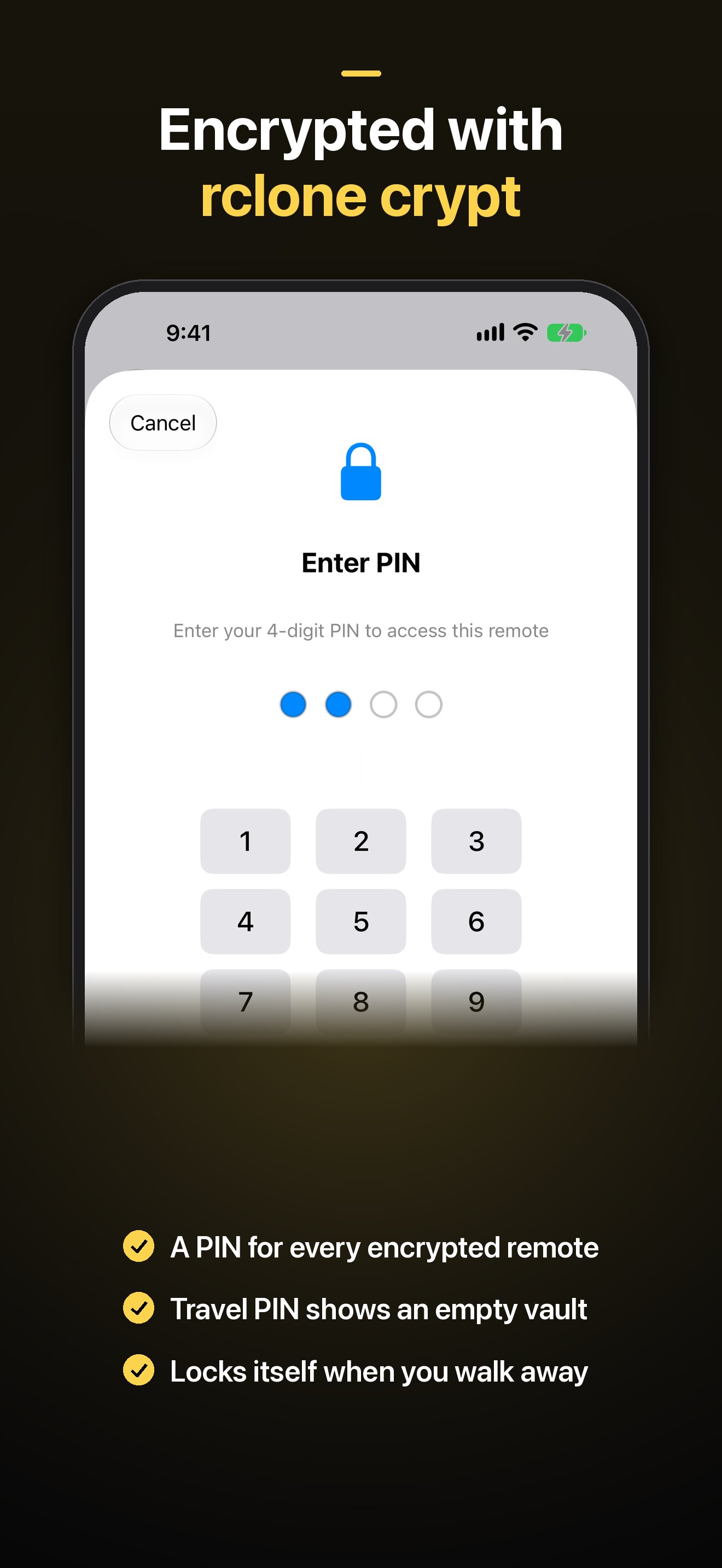
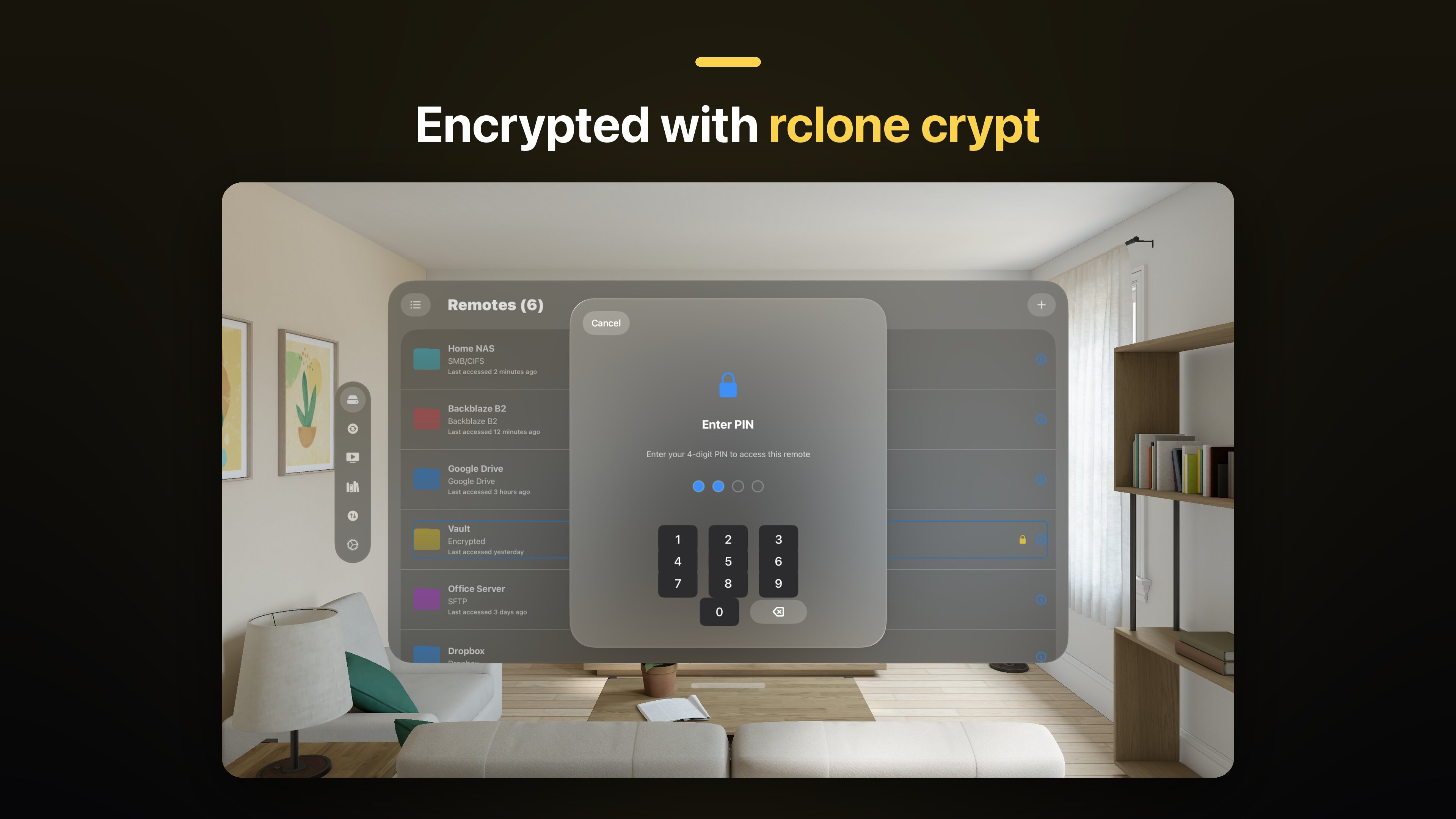
- Client-side encryption: rclone crypt remotes, each locked with its own PIN, with a travel PIN that shows an empty vault and auto-lock.
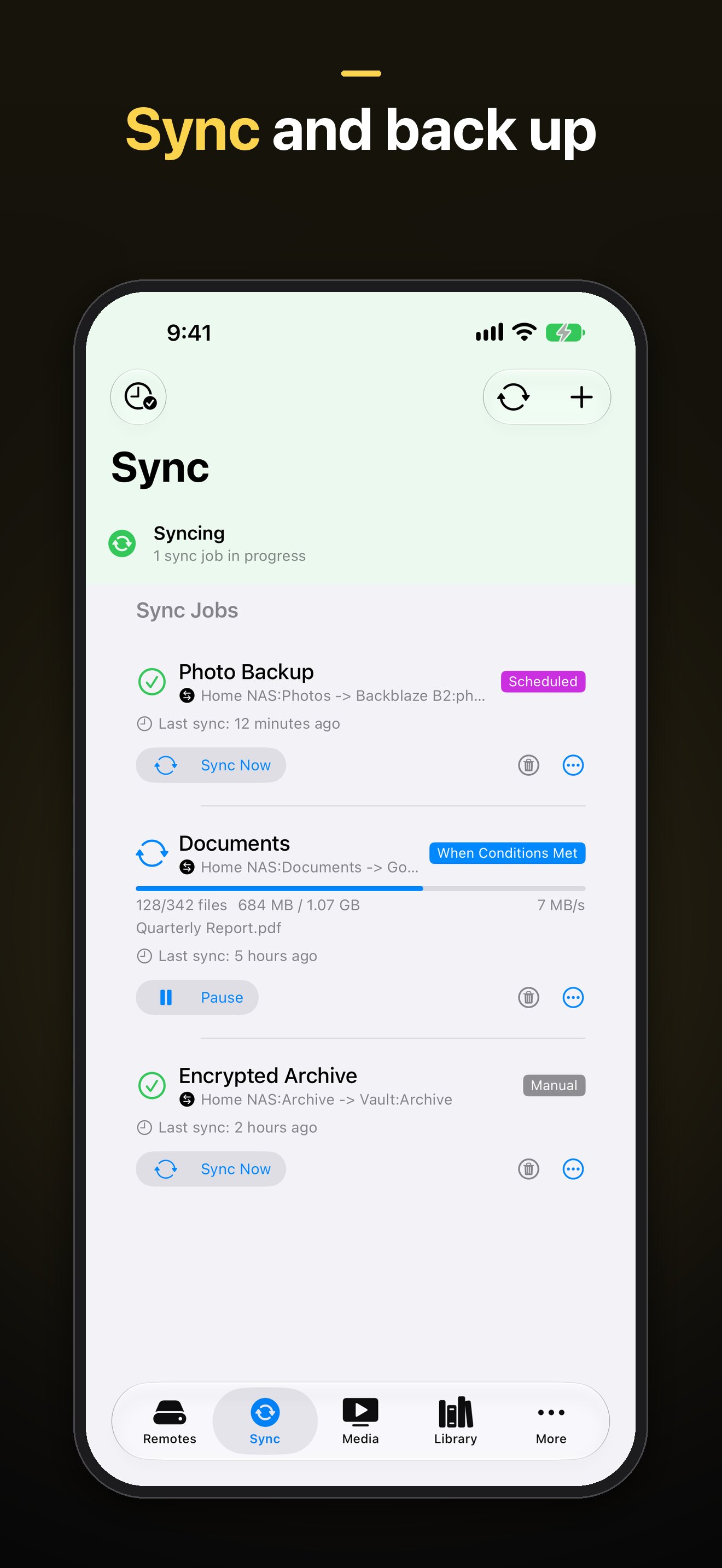
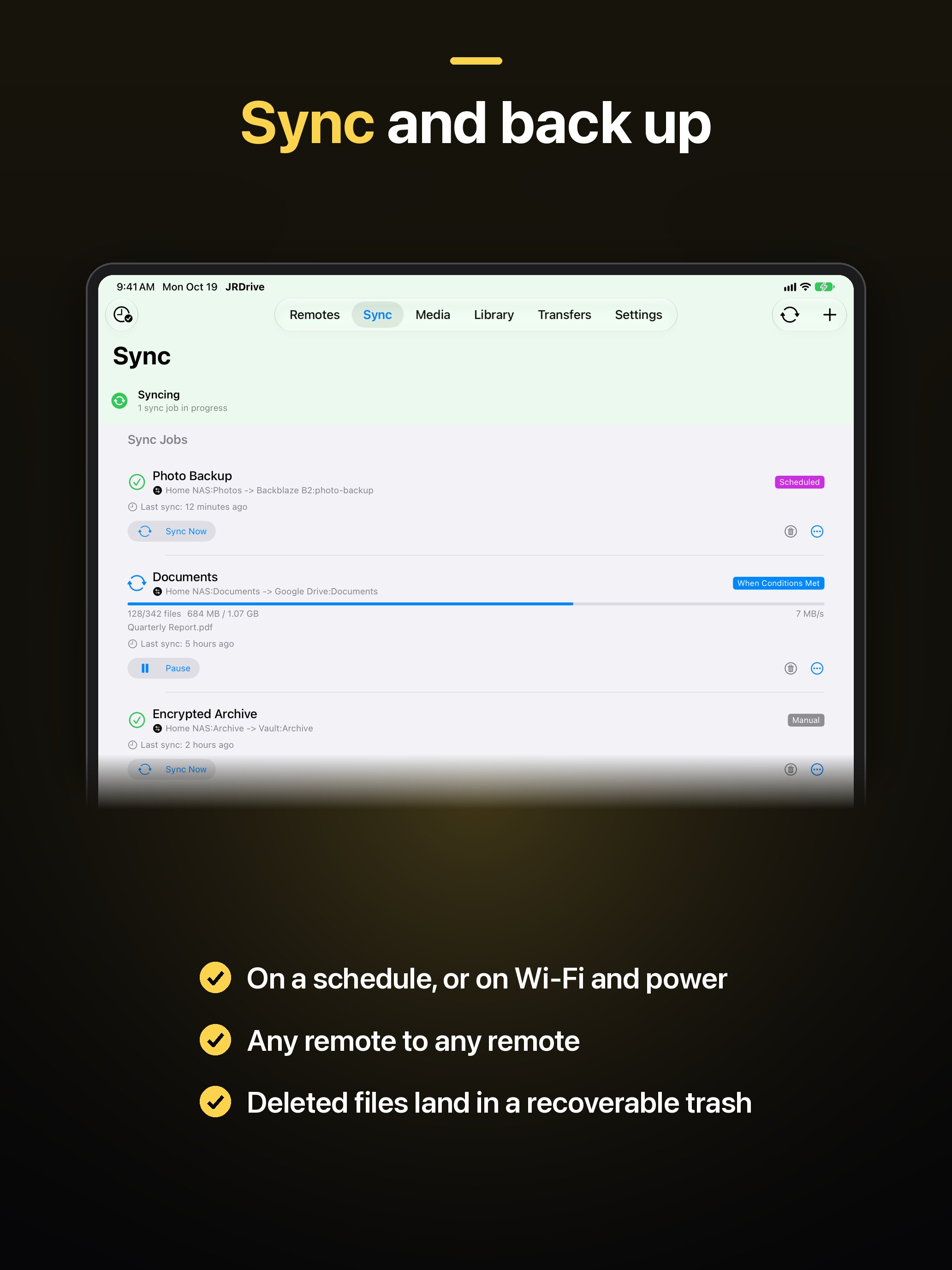
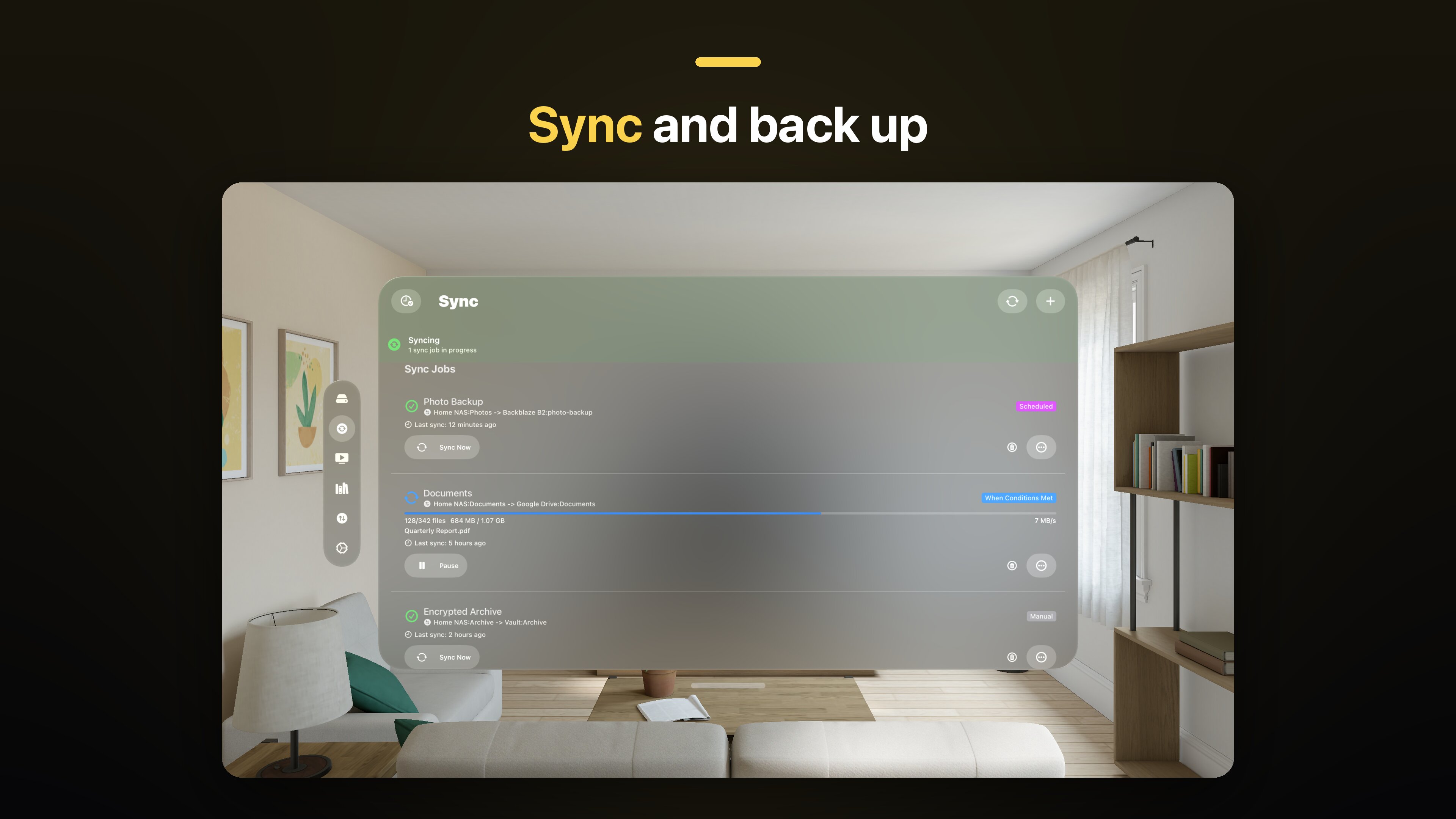
- Sync and backup: one-way and two-way sync jobs on a schedule or on Wi-Fi and power, camera-roll upload on iPhone and iPad, and a recoverable trash for deleted files.
- Fits each platform: the Files app on iPhone and iPad, drag and drop and a menu bar item on Mac, File Explorer integration and Windows Hello on Windows.
- Private by design: no account, and files and credentials never pass through JRDrive servers. Credentials are kept in the Keychain on Apple devices.
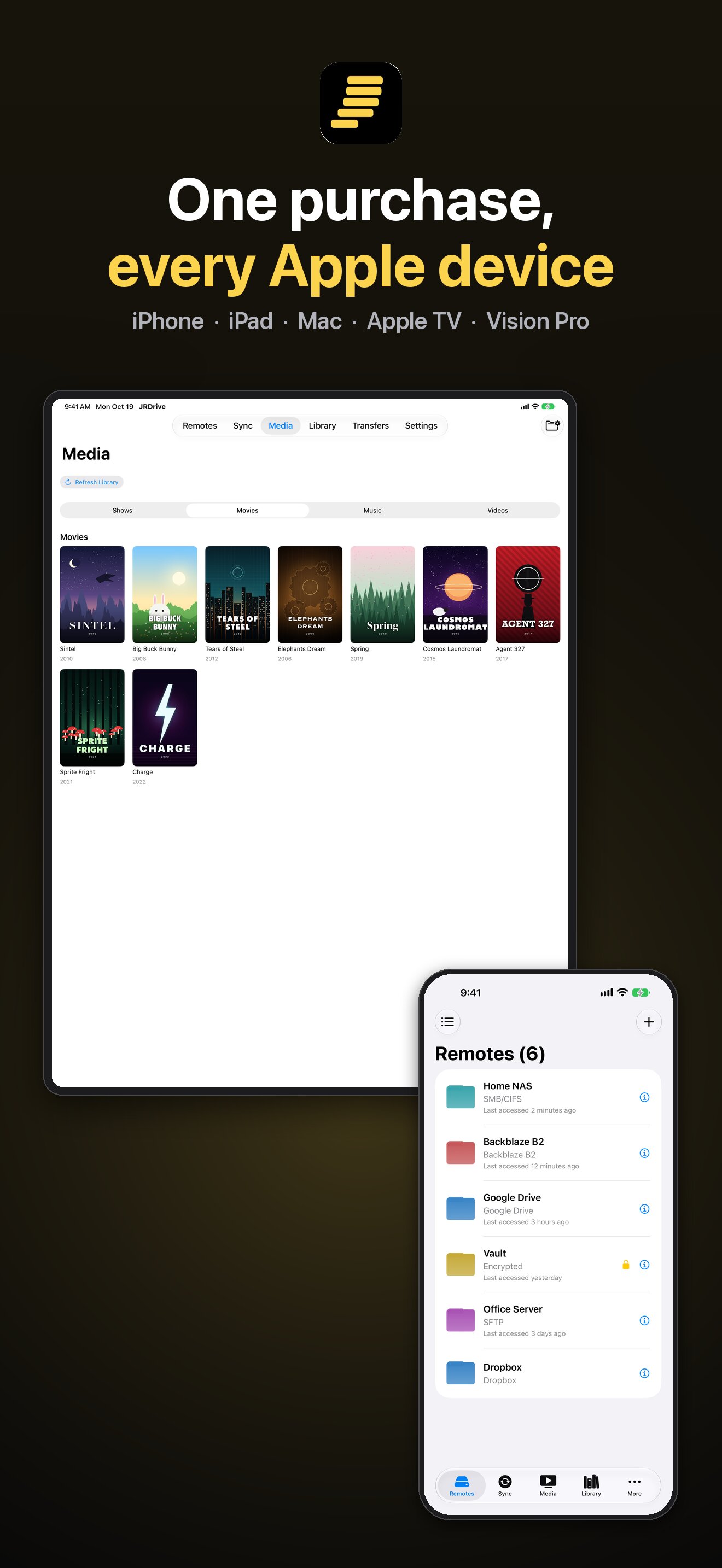
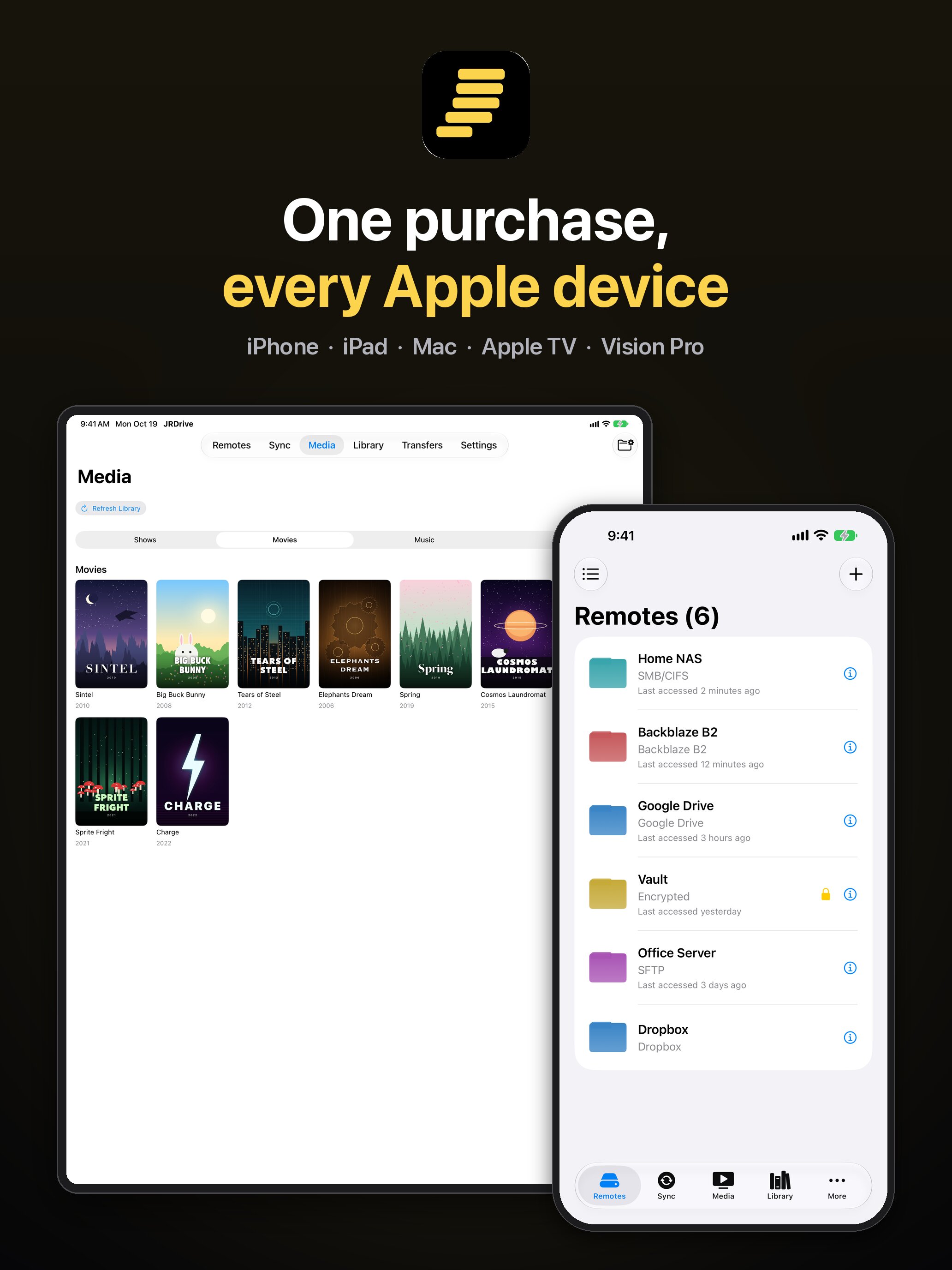
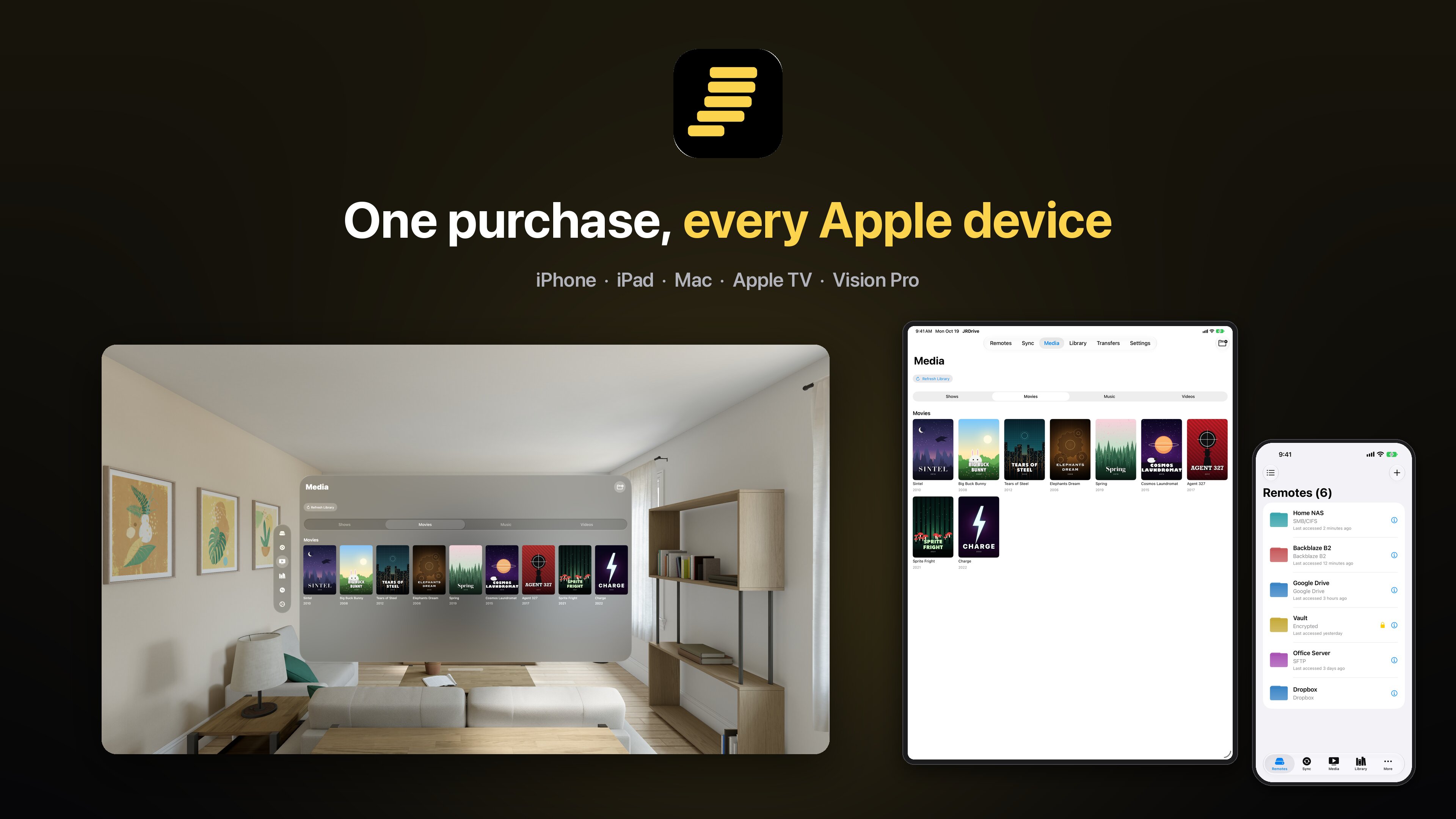
- One purchase, every Apple device: buy once and restore on iPhone, iPad, Mac, Apple TV and Apple Vision Pro; optional iCloud sync brings remotes along.
App Icon

Download the app icon (PNG, 180×180). Please don't alter the icon's colors or proportions.
Screenshots
Full-resolution App Store screenshots, as JPEG. Download them individually below, or all at once:
Download all screenshots (ZIP, 4.9 MB)
iPhone
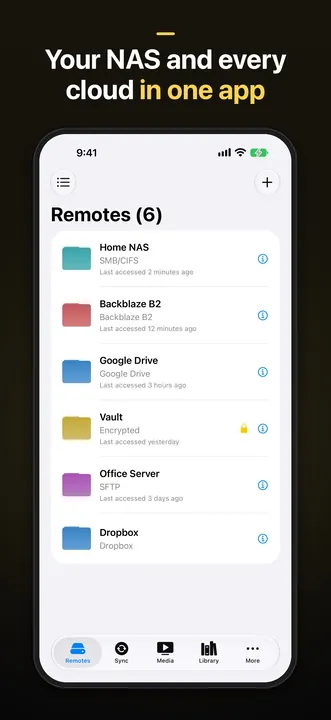
Download JPEG of iPhone: Remotes (1320×2868, 181 KB)
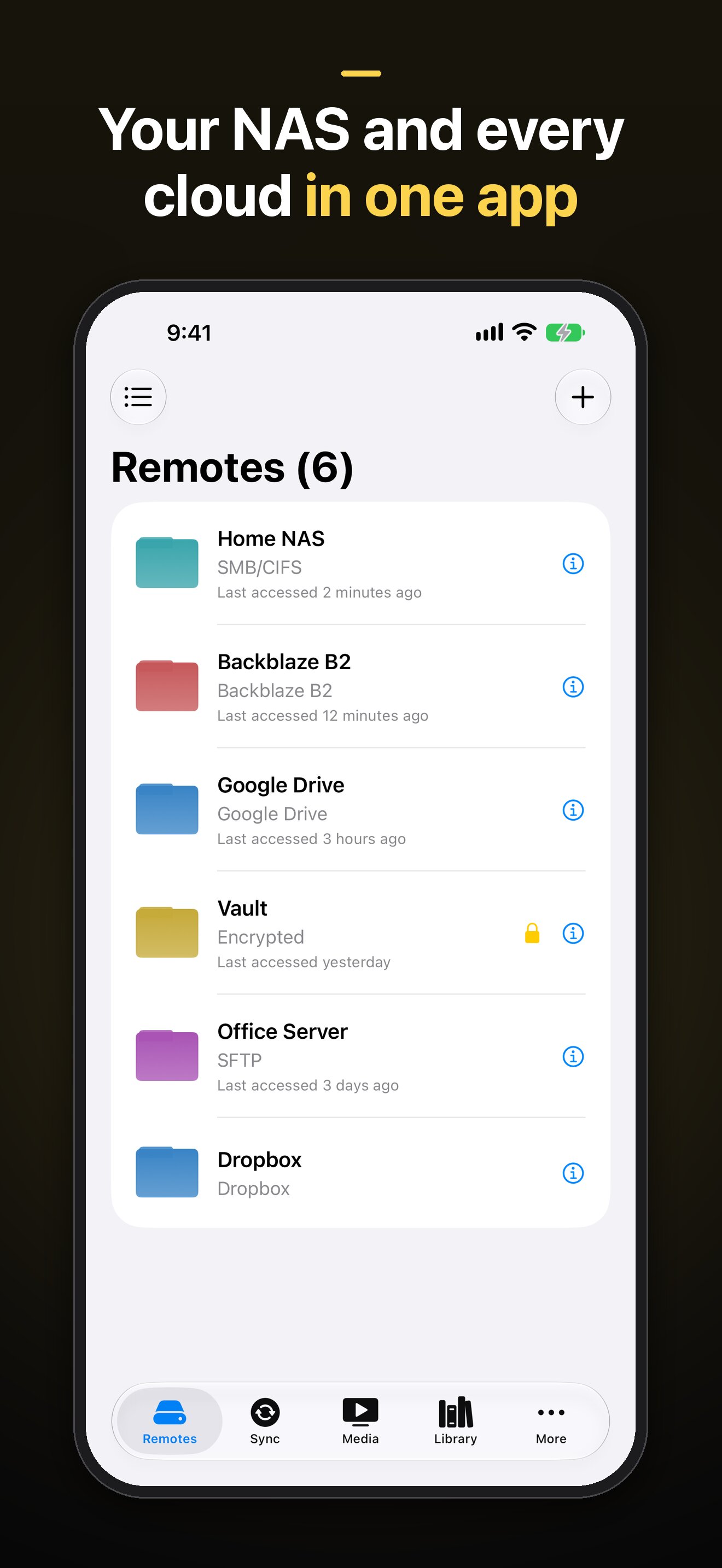
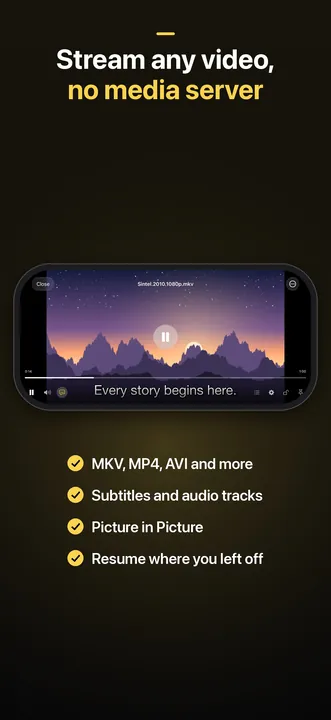
Download JPEG of iPhone: Streaming (1320×2868, 169 KB)
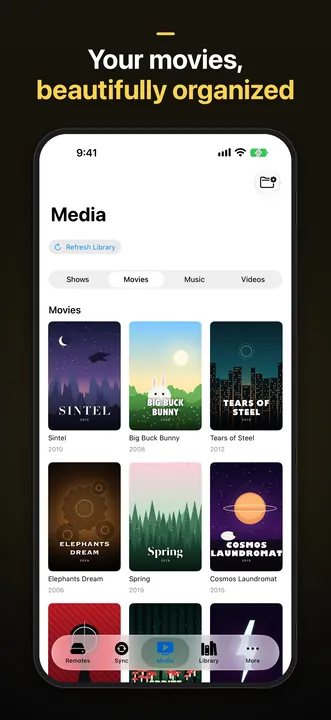
Download JPEG of iPhone: Media library (1320×2868, 276 KB)
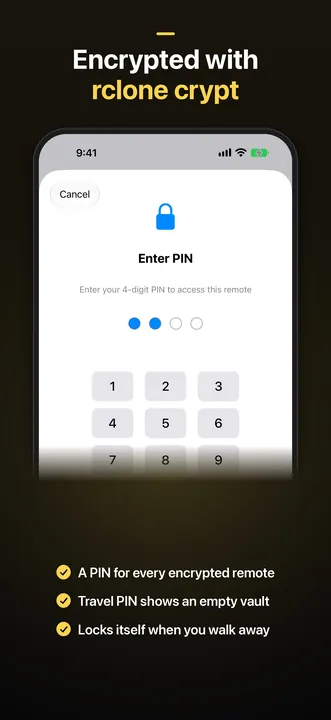
Download JPEG of iPhone: Encrypted remotes (1320×2868, 148 KB)
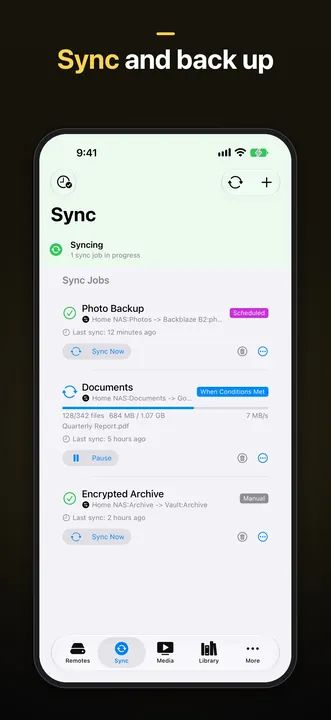
Download JPEG of iPhone: Sync (1320×2868, 177 KB)
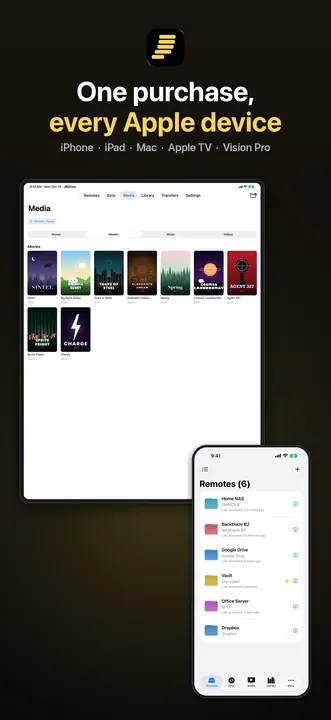
Download JPEG of iPhone: Every Apple device (1320×2868, 204 KB)
iPad
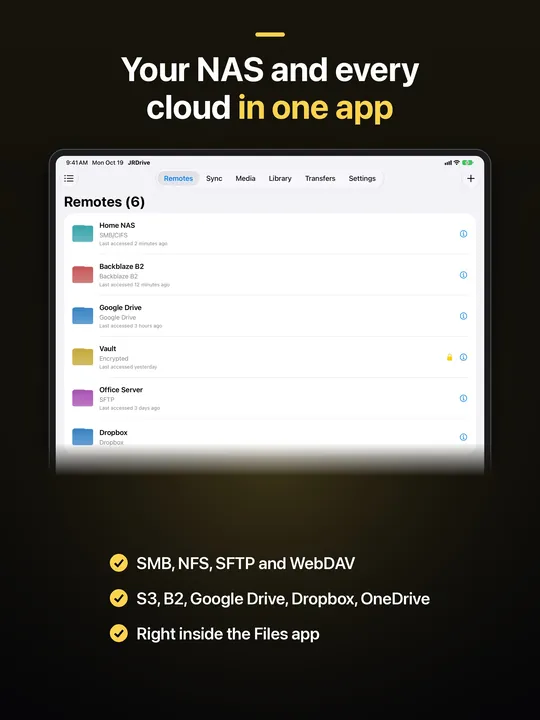
Download JPEG of iPad: Remotes (2064×2752, 225 KB)
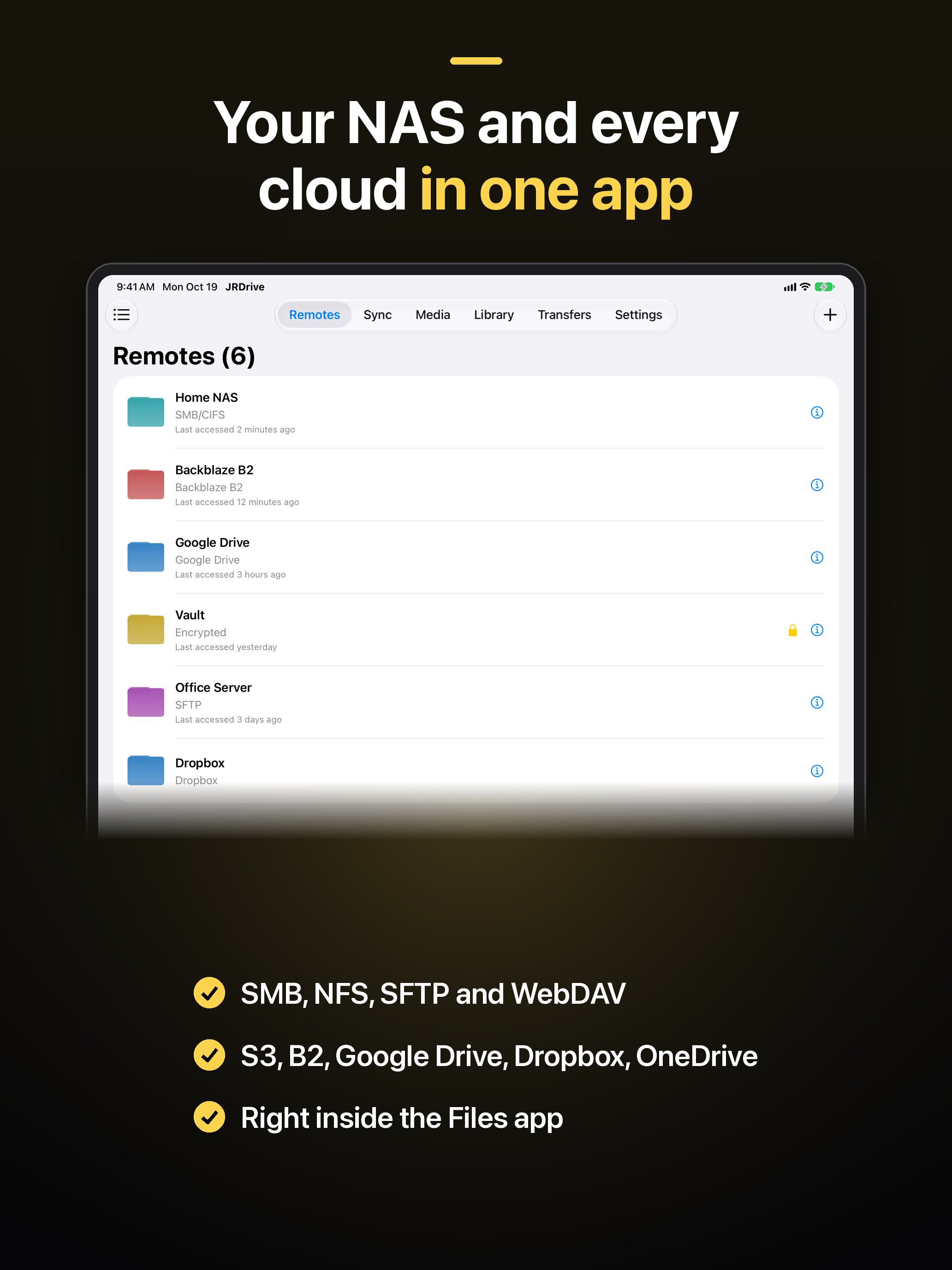
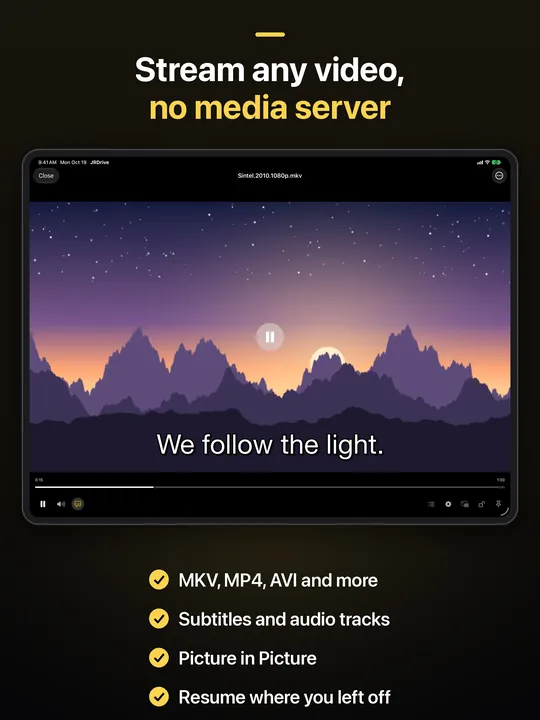
Download JPEG of iPad: Streaming (2064×2752, 251 KB)
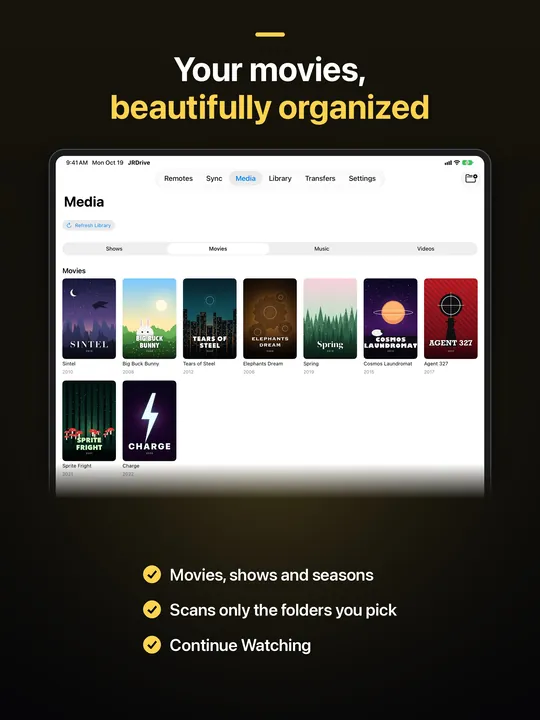
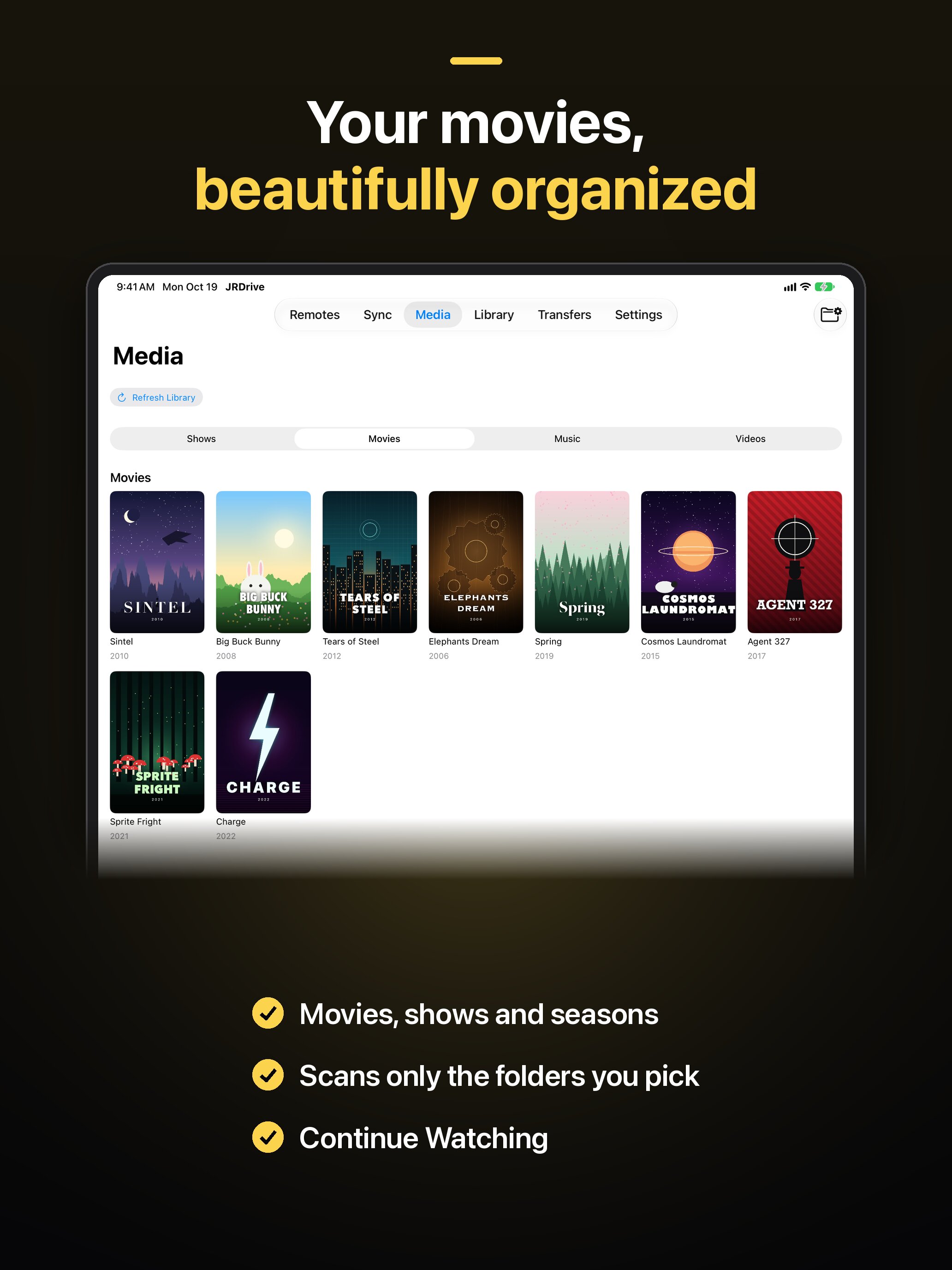
Download JPEG of iPad: Media library (2064×2752, 295 KB)
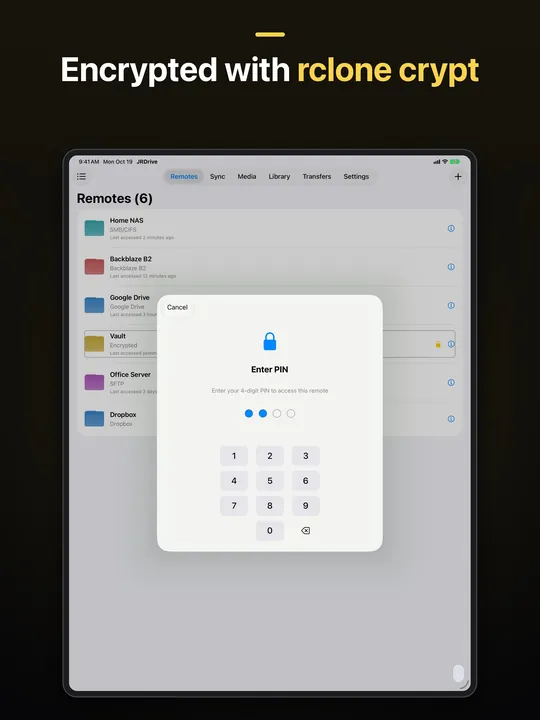
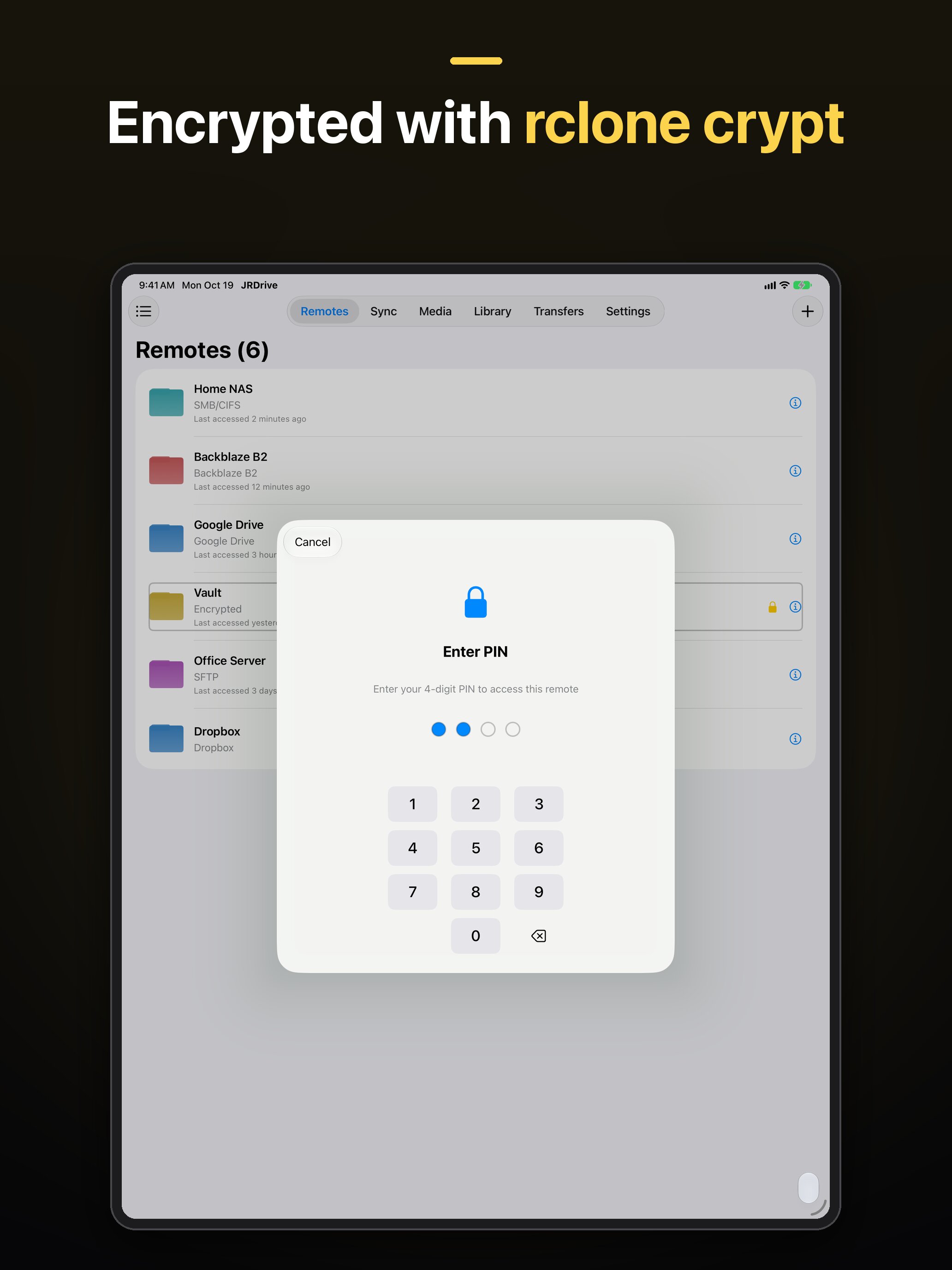
Download JPEG of iPad: Encrypted remotes (2064×2752, 183 KB)
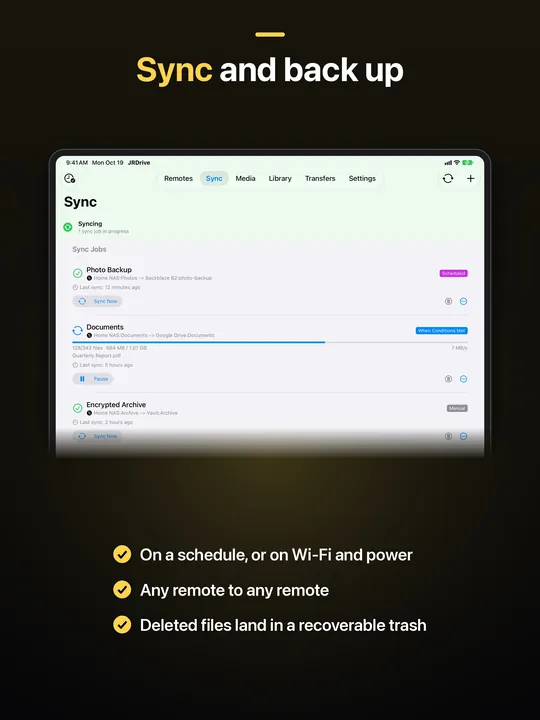
Download JPEG of iPad: Sync (2064×2752, 212 KB)
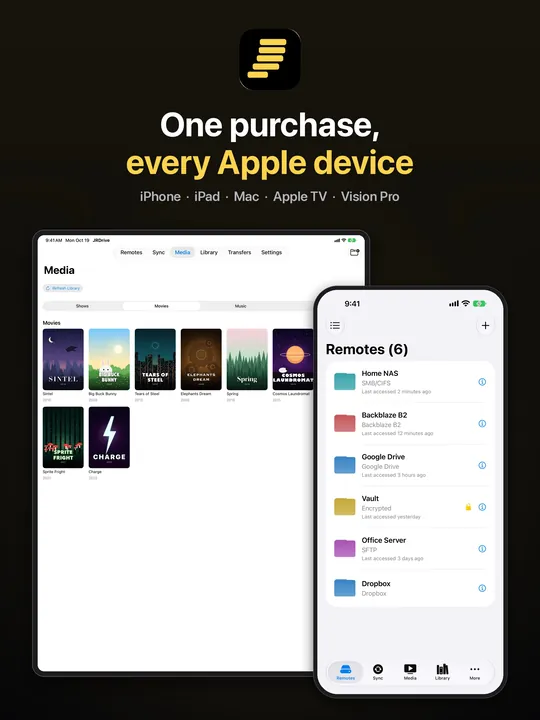
Download JPEG of iPad: Every Apple device (2064×2752, 276 KB)
Apple TV
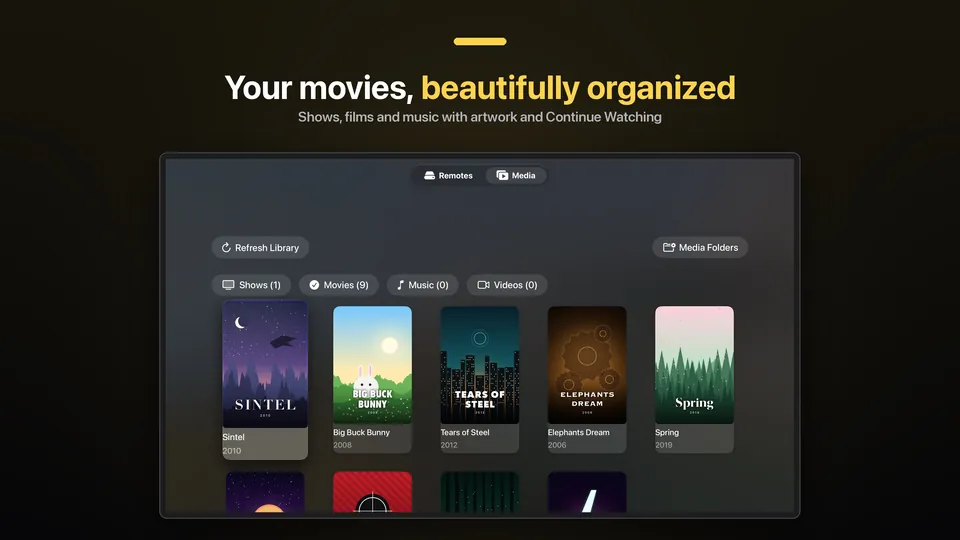
Download JPEG of Apple TV: Media library (3840×2160, 348 KB)
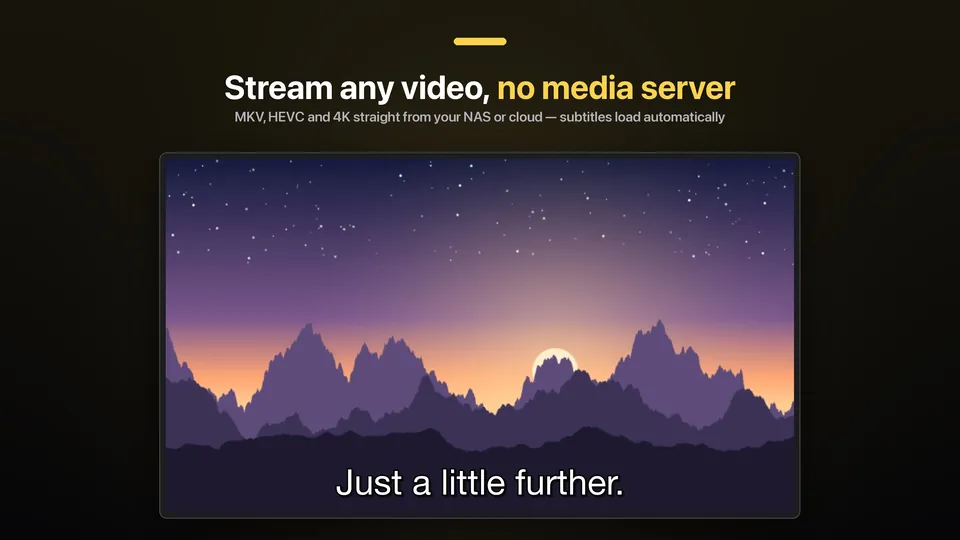
Download JPEG of Apple TV: Streaming (3840×2160, 254 KB)
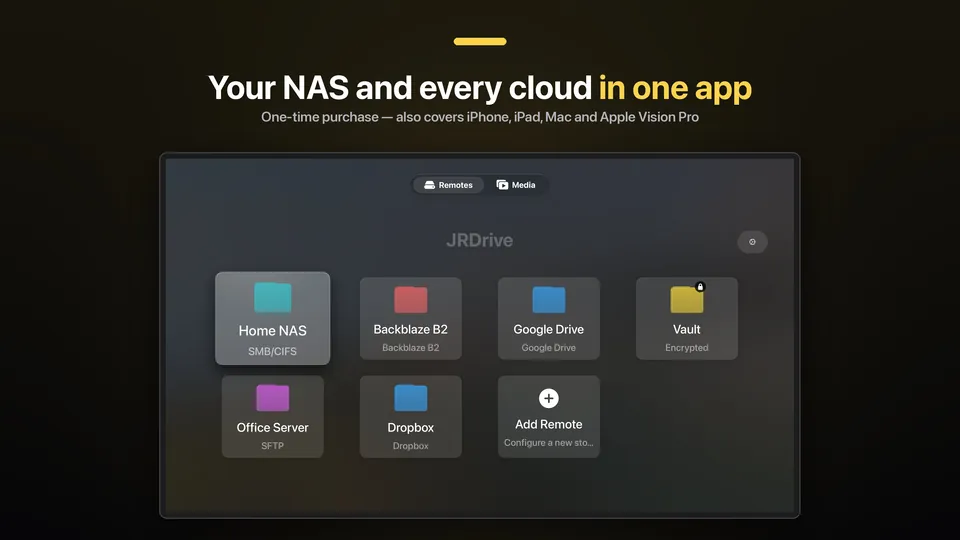
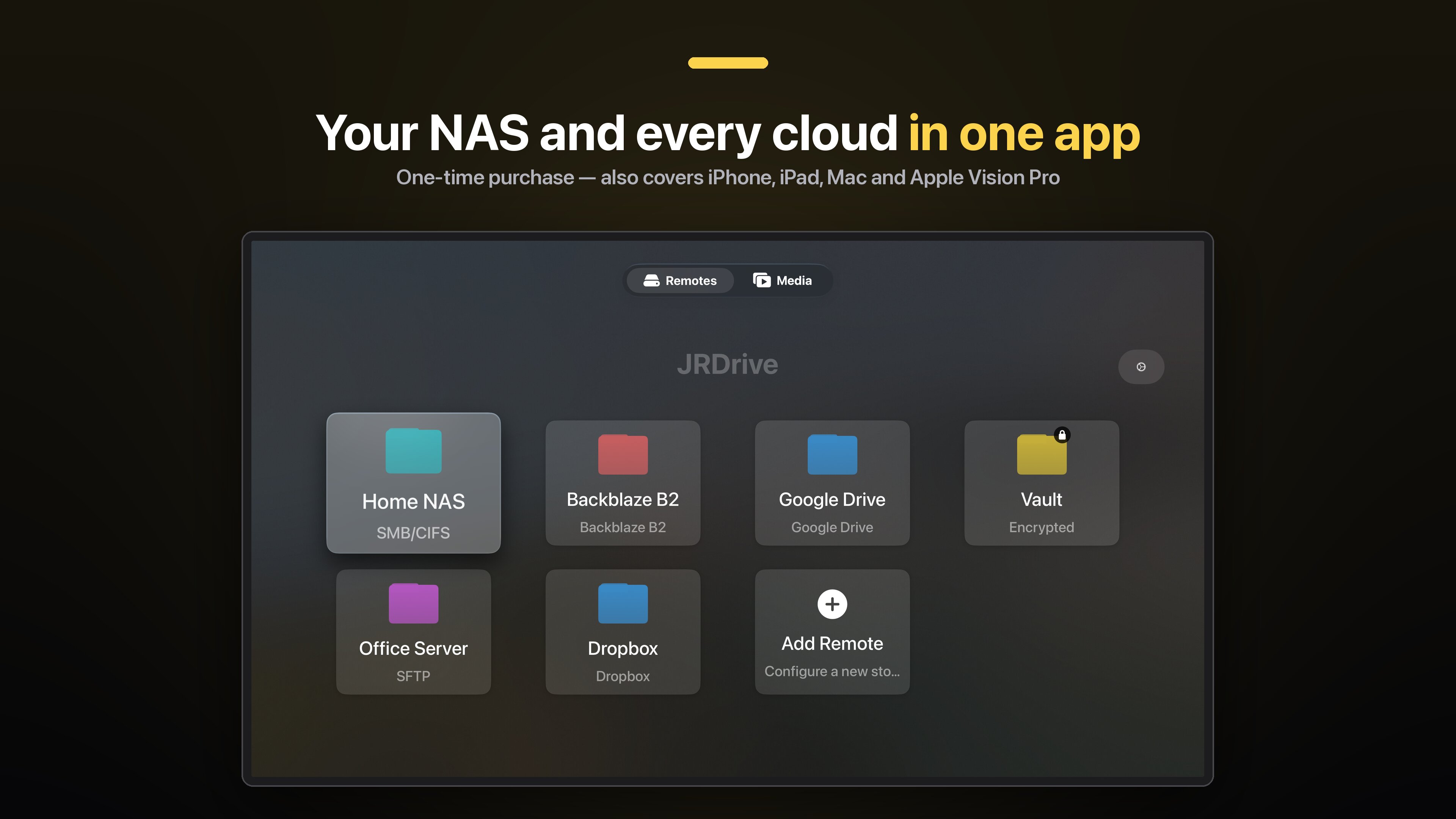
Download JPEG of Apple TV: Remotes (3840×2160, 265 KB)
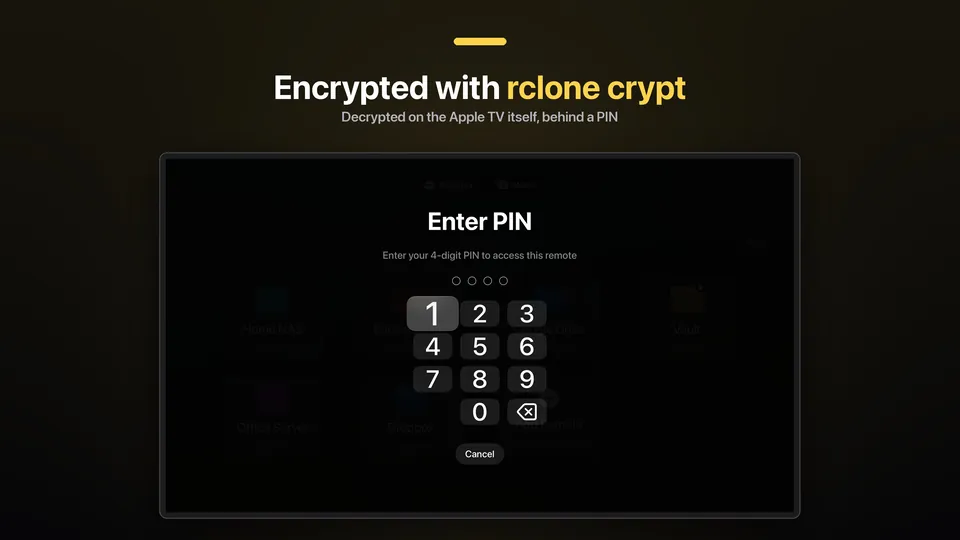
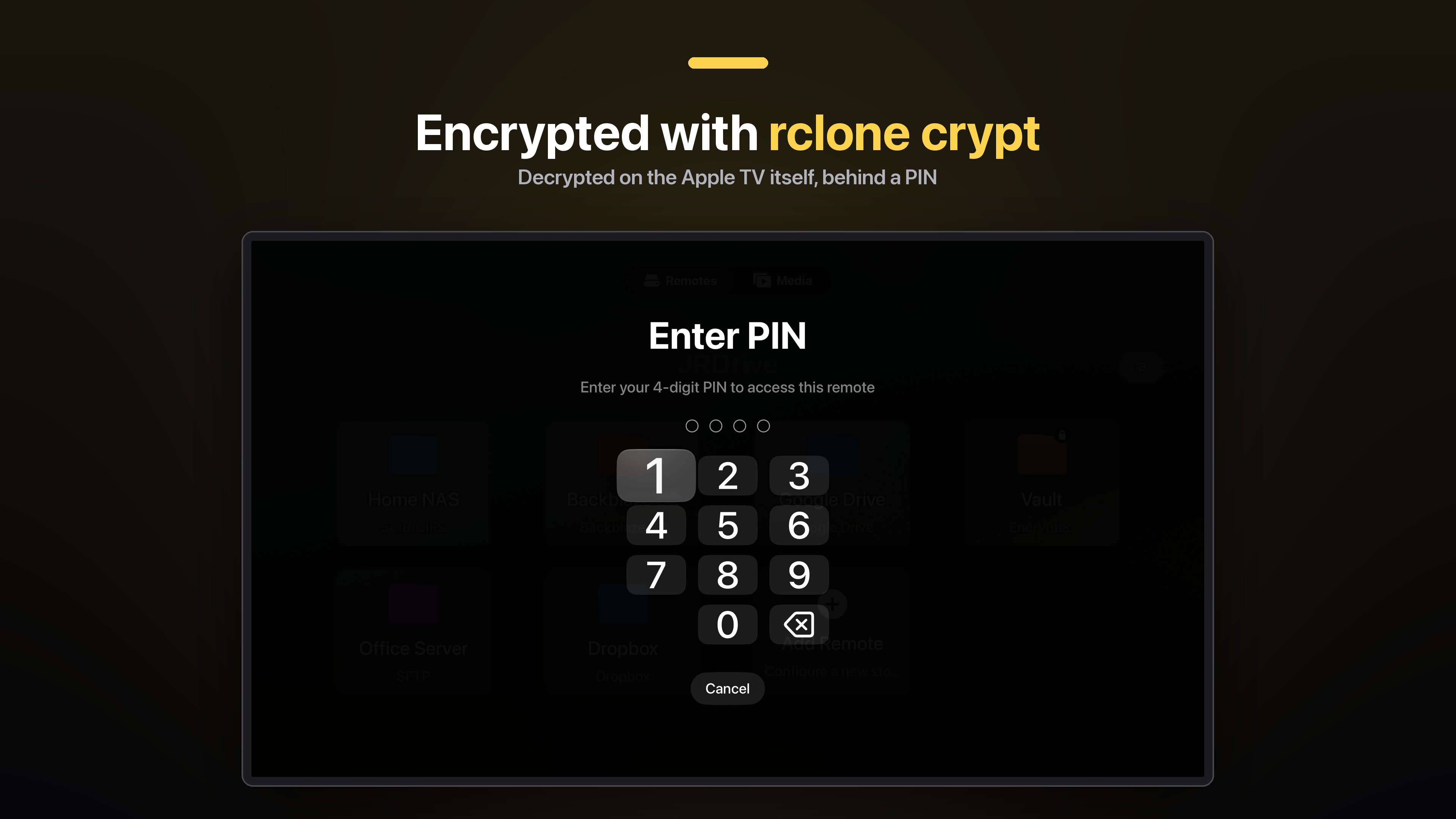
Download JPEG of Apple TV: Encrypted remotes (3840×2160, 190 KB)
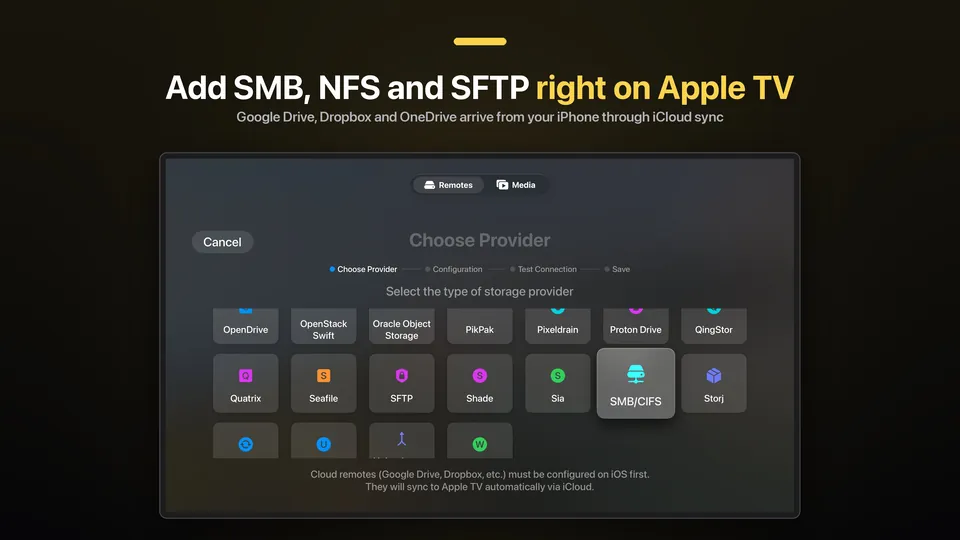
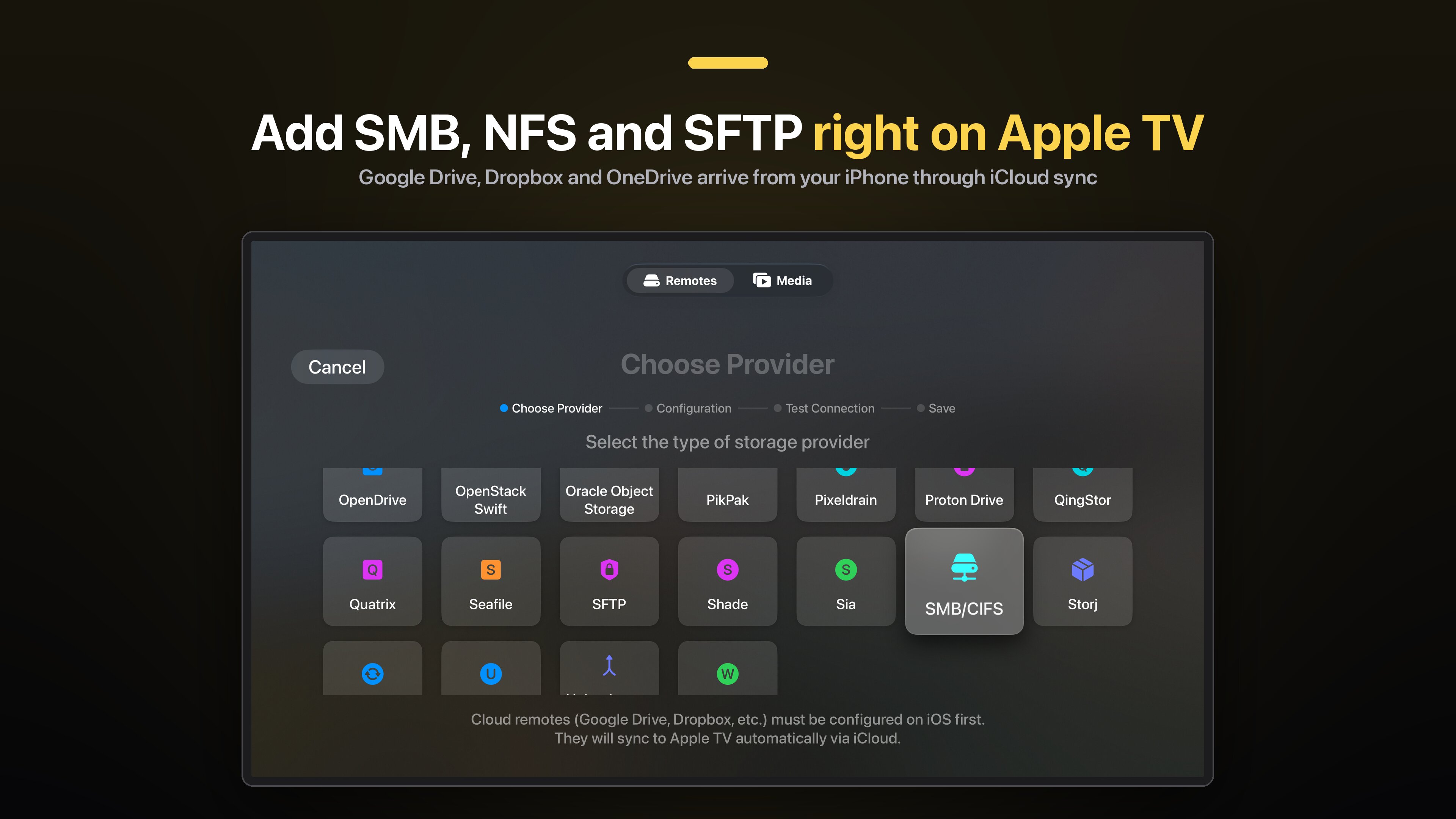
Download JPEG of Apple TV: Add a remote (3840×2160, 320 KB)
Apple Vision Pro
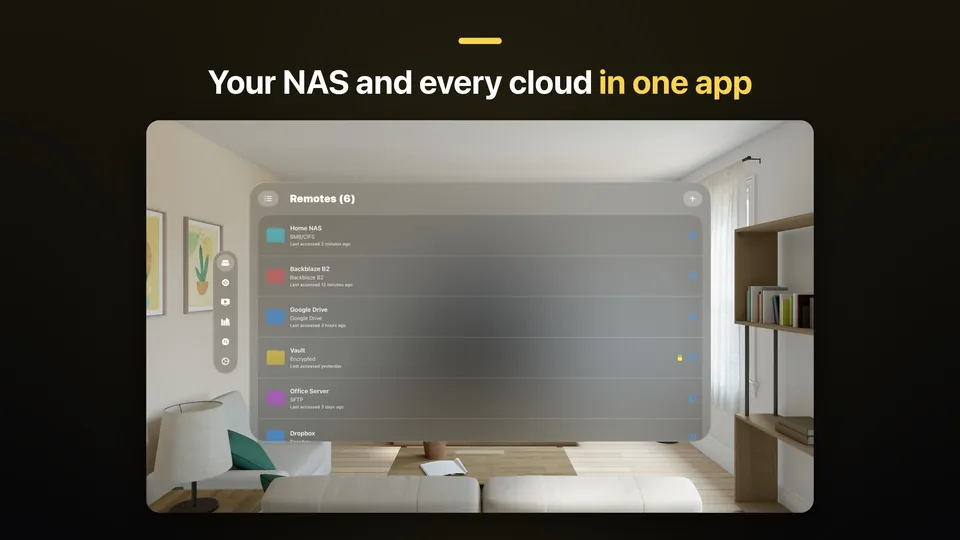
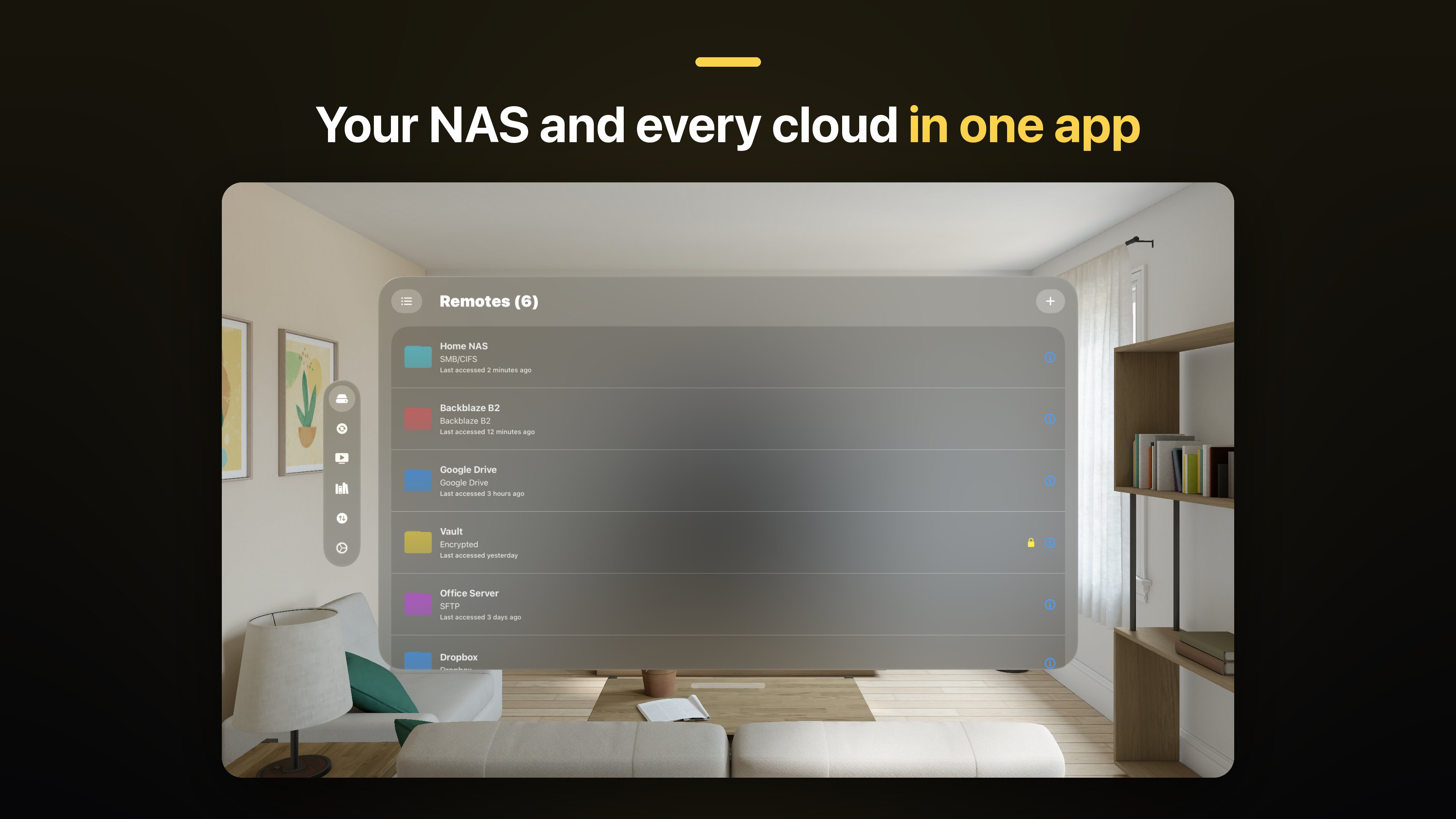
Download JPEG of Apple Vision Pro: Remotes (3840×2160, 321 KB)
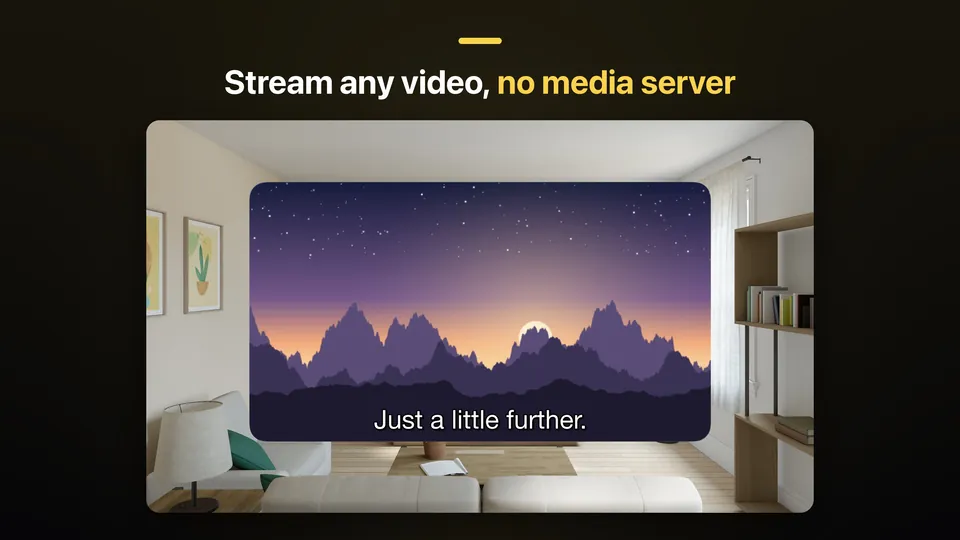
Download JPEG of Apple Vision Pro: Streaming (3840×2160, 336 KB)
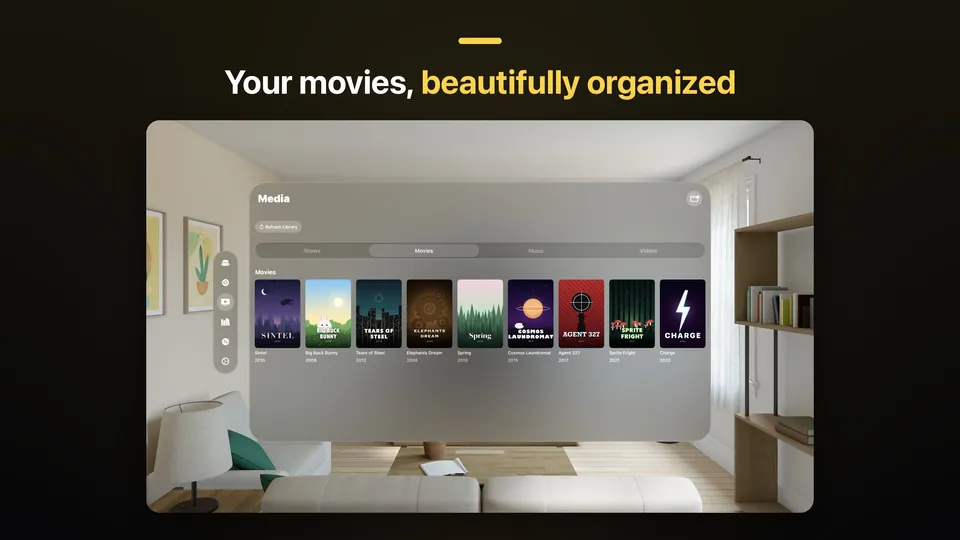
Download JPEG of Apple Vision Pro: Media library (3840×2160, 375 KB)
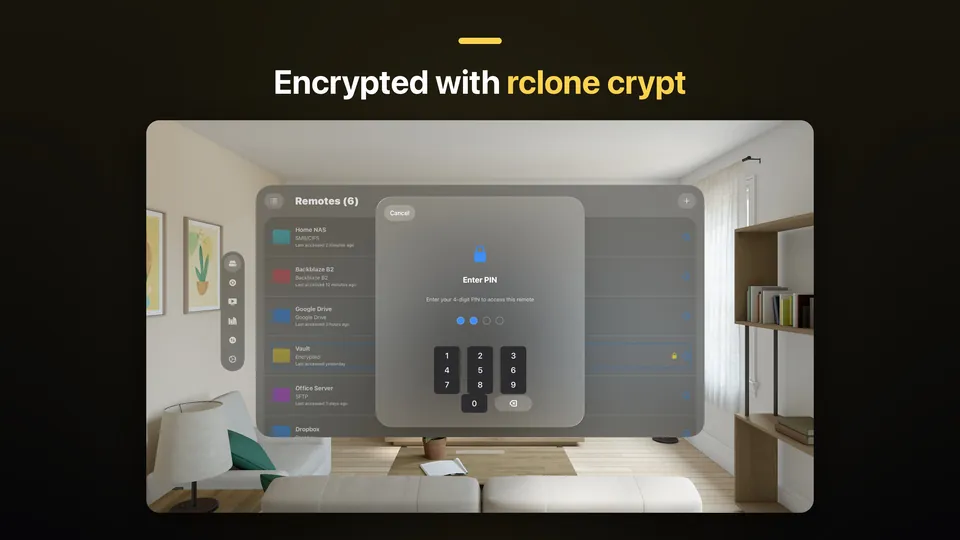
Download JPEG of Apple Vision Pro: Encrypted remotes (3840×2160, 331 KB)
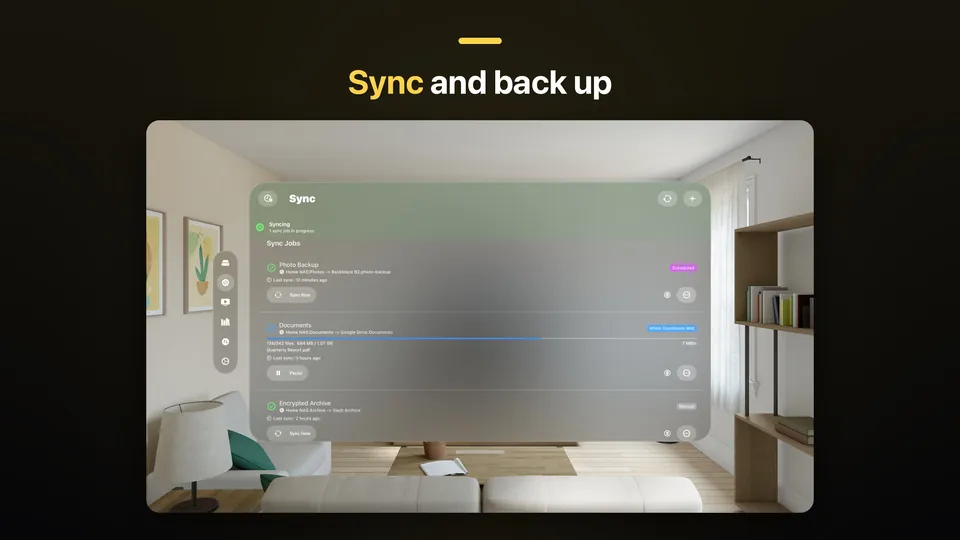
Download JPEG of Apple Vision Pro: Sync (3840×2160, 307 KB)
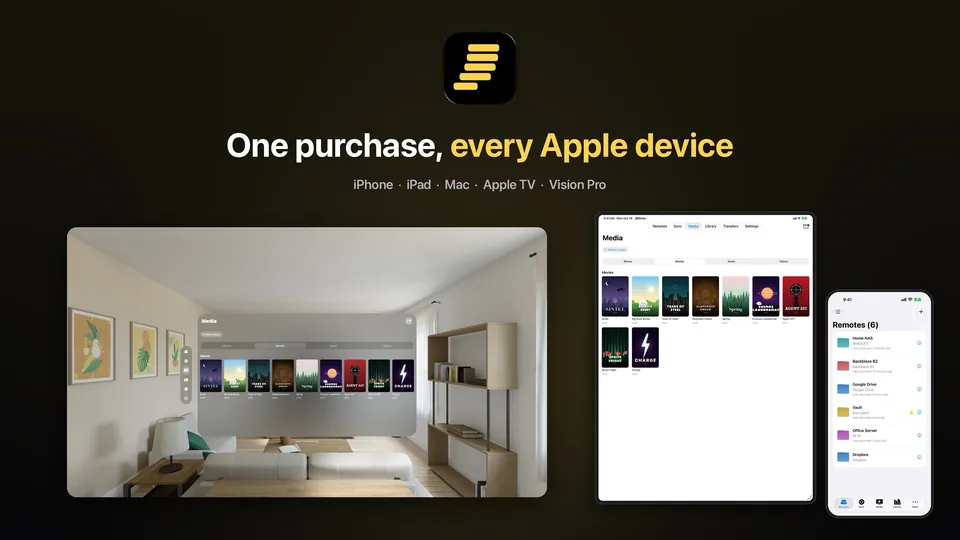
Download JPEG of Apple Vision Pro: Every Apple device (3840×2160, 392 KB)
Get JRDrive
iPhone, iPad, Mac, Apple TV and Apple Vision Pro

Android

Windows
Apple, iPhone, iPad, Mac, Apple TV, Apple Vision Pro and App Store are trademarks of Apple Inc. Google Play and Android are trademarks of Google LLC. Microsoft, Windows and the Microsoft Store are trademarks of the Microsoft group of companies. Other storage service names are trademarks of their respective owners.